Weekly Personal Knowledge Inventory: Micro-Review Routine
Weekly Personal Knowledge Inventory: A Micro-Review Routine to Turn Notes and Meeting Output into Actionable Work - turn notes into prioritized work now.
Introduction
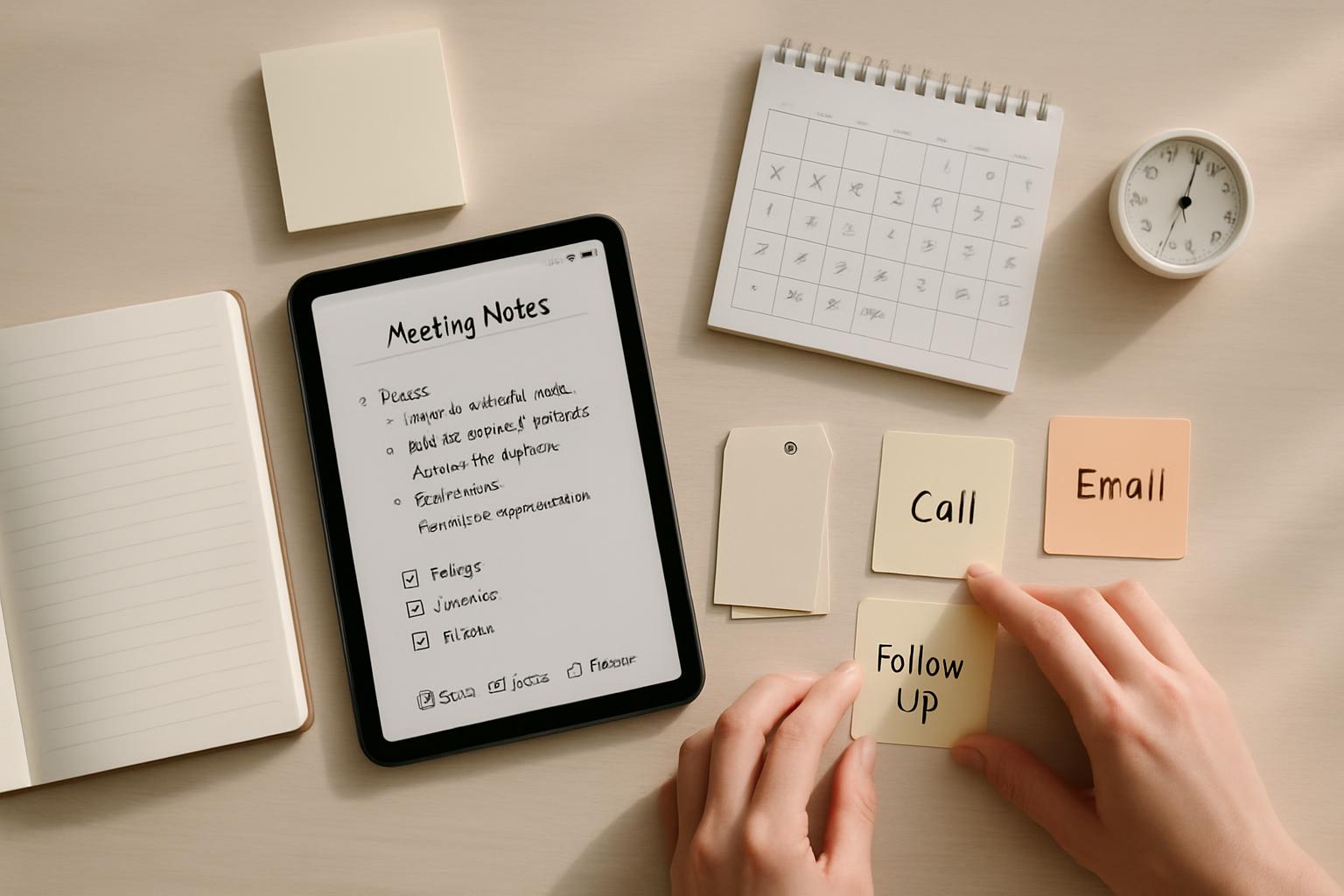
Business professionals frequently struggle to turn meeting outputs, email threads, and individual notes into reliable, actionable work. The weekly personal knowledge inventory (WPKI) is a repeatable micro-review routine designed to create a consistent feedback loop between knowledge capture and execution. This article explains a practical, time-efficient WPKI workflow, tools, and metrics so you can apply it immediately.
What is a Weekly Personal Knowledge Inventory?
The WPKI is a focused micro-review process that converts captured information into actionable work. It sits between capture systems (notes, meeting minutes, email, chat) and execution systems (task managers, calendars, project trackers). Rather than a long weekly review, the WPKI emphasizes brevity, frequency, and repeatability, enabling better decision-making and faster cycle times.
Why 'micro-review' matters
Large, infrequent reviews consume time and cause backlog. Micro-reviews encourage continuous flow: small, frequent decisions reduce cognitive load and increase throughput. In knowledge work, speed and clarity of next actions matter more than exhaustive documentation.
Quick benefits for business professionals
- Reduced follow-up leakage — fewer missed commitments.
- Faster execution — prioritized next actions replace passive notes.
- Better context retention — weekly cadence preserves meeting context while still fresh.
- Lower cognitive load — shorter, repeatable routines are easier to maintain.
How the WPKI fits into your workflow
Use the WPKI as the bridge between capture and execution. Common capture sources include:
- Meeting notes (digital or paper)
- Email and chat threads
- Ad-hoc notes and voice memos
- Project management comments
- Research clippings and reference materials
During the WPKI, you consolidate these into a single, scannable inventory, tag and prioritize items, and convert them into next actions in your execution system.
Step-by-step WPKI routine (timeboxed)
This routine is modular. Adjust durations to fit your calendar, but keep the structure.
Preparation: Weekly schedule and environment (5 minutes)
- Choose a consistent day/time each week (e.g., Friday late morning or Monday first thing).
- Gather capture endpoints (note app, email, chat, calendar, task manager).
- Set a 45–60 minute block: 20–30 minutes for Inventory, 15–20 for Action Conversion, 5 minutes for closing notes.
Part A — Consolidation & Tagging (20–30 minutes)
Goal: create a single list of items with minimal context so you can prioritize quickly.
- Open a temporary inventory note or dedicated inbox page.
- Skim meeting notes and extract discrete items — who, what, when.
- Scan email/chat for commitments and decisions. Add items verbatim then shorten to a single-line summary.
- Clip any research or reference items that may influence decisions; tag them as "reference".
- Tag each line with simple metadata: owner (you or someone else), urgency (high/medium/low), project, and type (decision/action/question/reference).
Use short tag conventions for speed, e.g., @owner, #project,!urgent.
Part B — Convert to Next Actions (15–20 minutes)
Goal: for each inventory line, decide one of three states: actionable (next action created), delegate (assign with clear next step), or archive/reference.
- For actionable items: create a single, specific next action with a defined outcome (e.g., "Draft Q2 budget request for Marketing — 1-page — due Wed").
- For delegated items: assign to an owner with a clear first step and follow-up date; record this in your task manager and update the inventory.
- For references/questions: either create a task to resolve the question or file for future review with a review date.
Limit work-in-progress by selecting 3–5 high-impact items to focus on in the coming week.
Part C — Prioritize and Schedule (5–10 minutes)
- Rank items by business impact and time sensitivity.
- Put the top 3–5 items on your calendar or mark them as "priority" in your task list.
- Set reminders or check-ins for delegated items.
Tools and templates
WPKI is tool-agnostic. Choose systems that minimize friction and integrate with your daily workflow.
Recommended tool types
- Note app with tagging and quick capture (e.g., Obsidian, Notion, Evernote)
- Task manager with due dates and tags (e.g., Todoist, Asana, Microsoft To Do)
- Calendar for blocking priority work
- Optional: automation (email-to-task, meeting minutes templates)
Simple WPKI template (copyable)
Inventory note header and columns for quick scanning:
Weekly Personal Knowledge Inventory — [DATE]

1) Item summary — @owner #project !urgency — type (action/delegate/ref)
2) ...

Top 3 priorities:
- [ ] Priority 1 — next action — scheduled on [DATE]
- [ ] Priority 2 — next action — scheduled on [DATE]
Measurement and continuous improvement
Track simple metrics to evaluate WPKI effectiveness:
- Weekly throughput: number of next actions created vs. completed
- Follow-up leakage: number of missed deadlines or unresponded delegations
- Cycle time: average time from capture to completion for prioritized items
Review these metrics monthly to refine tagging, cadence, and meeting practices.
Common pitfalls and how to avoid them
Adopting WPKI is straightforward but requires discipline. Address these common issues:
Pitfall 1 — Over-capture without conversion
Problem: You collect everything but never create next actions. Fix: enforce a "convert or archive" rule during the micro-review; every inventory line must be assigned a state.
Pitfall 2 — No consistent cadence
Problem: Irregular reviews cause backlog. Fix: block a recurring calendar slot and treat it as non-negotiable.
Pitfall 3 — Vague next actions
Problem: Tasks are fuzzy and stall progress. Fix: enforce the "specific next action" rule — if you can't define a one-step action, add a research/clarify task first.
Pitfall 4 — Lack of delegation clarity
Problem: Delegated items lack ownership or first steps. Fix: always assign an owner, first-step, and follow-up date when delegating.
Contextual background: behavioral science and knowledge flow
Several behavioral principles support the WPKI approach:
- Action bias: People are more likely to follow through when the next action is explicit (Gollwitzer’s implementation intentions).
- Chunking: Short, repeated routines reduce cognitive load and increase habit formation (N. Baddeley, working memory studies).
- Freshness effect: Weekly cadence preserves context memory from recent meetings, improving accuracy of conversion to tasks.
These principles underline why short, consistent reviews outperform ad-hoc or infrequent, lengthy review sessions.
Key Takeaways
- WPKI is a short, weekly micro-review converting captured knowledge into clear next actions.
- Timebox the routine: ~20–30 minutes for consolidation and ~15–20 minutes to convert and prioritize.
- Use simple tags (@owner, #project,!urgency) and limit weekly focus to 3–5 high-impact tasks.
- Measure throughput and leakage to refine the process over time.
- Enforce specific next actions and clear delegation to ensure execution.
Frequently Asked Questions
How long should each weekly session take?
Each WPKI session should be timeboxed to about 45–60 minutes total: roughly 20–30 minutes for consolidation and tagging, 15–20 minutes to convert items into next actions, and 5–10 minutes for prioritization and scheduling. If you’re just starting, allow a little extra time for habit formation.
Which day of the week is best for the WPKI?
Choose a consistent day that aligns with your workflow. Common choices are Friday (to clear the week) or Monday morning (to plan the week). The ideal day preserves freshness of recent meetings and aligns with your team’s cadence.
What if I don’t have time every week?
Prioritize consistency over perfection. If you must skip one week, schedule a shorter catch-up the following week. Alternatively, split the routine into two 20-minute sessions during the week.
How do I handle team-shared items and delegated tasks?
Record delegated items with explicit owners and the first actionable step. Use your task manager or project tracker to assign ownership and schedule follow-ups. During your WPKI, check delegation statuses and update as needed.
Can WPKI scale for managers overseeing multiple teams?
Yes. Managers should maintain a personal inventory for cross-team items and a separate consolidated view for team-level commitments. Use delegation metadata and status tags to filter items per team, and reserve a portion of your WPKI for cross-team priorities.
What metrics should I track to prove WPKI value?
Track simple KPIs: weekly next actions created vs. completed, follow-up leakage (missed delegations), and average cycle time from capture to completion. These metrics provide a clear signal of process improvements over time.
Where can I find a template to get started?
Use the simple template provided above or adapt a note app template with fields for summary, owner, project, urgency, and type. The key is low friction and quick scanning capability.
Sources and further reading: organizational behavior and productivity literature (e.g., Gollwitzer on implementation intentions), time-management frameworks such as Getting Things Done (David Allen), and internal process improvement case studies reporting measurable reductions in missed follow-ups with weekly review adoption.
Scheduler
Hand your calendar to an assistant that never drops a thread.
Keep reading

Where Do All Your Meetings Actually Go? The Real Cost, By the Numbers
Reclaim.ai surveyed 1,300+ professionals on how much time meetings eat, what they cost, and how often they fall apart before they even happen. The numbers are more specific than the usual complaint.
![Three-Question Compact Agendas: Proven System [Pro]](https://nuxxt0us9k7umi1n.public.blob.vercel-storage.com/blog-covers/6a0e45ff6996f1fff37fb29f_article-27586b25-d86a-4410-9f05-1e27213c92c4.jpeg)
Three-Question Compact Agendas: Proven System [Pro]
Eliminate delays with Three-Question Compact Agendas: Schedule short internal syncs that start on time and end with decisions. Read the analysis now
![Subset-Critical Windows: Proven Scheduling [Expert Guide]](https://nuxxt0us9k7umi1n.public.blob.vercel-storage.com/blog-covers/6a0e4602d4e4fcd05af4bfe9_article-2cf1d83b-25fb-41d7-b3ca-af2248d7d1b7.jpeg)
Subset-Critical Windows: Proven Scheduling [Expert Guide]
Act now: Master Subset-Critical Windows scheduling to speed decisions when only a small, key group must attend a multi-party meeting. Read analysis.